

DreamStation 2 Disposable Ultra-Fine Filters
1142831
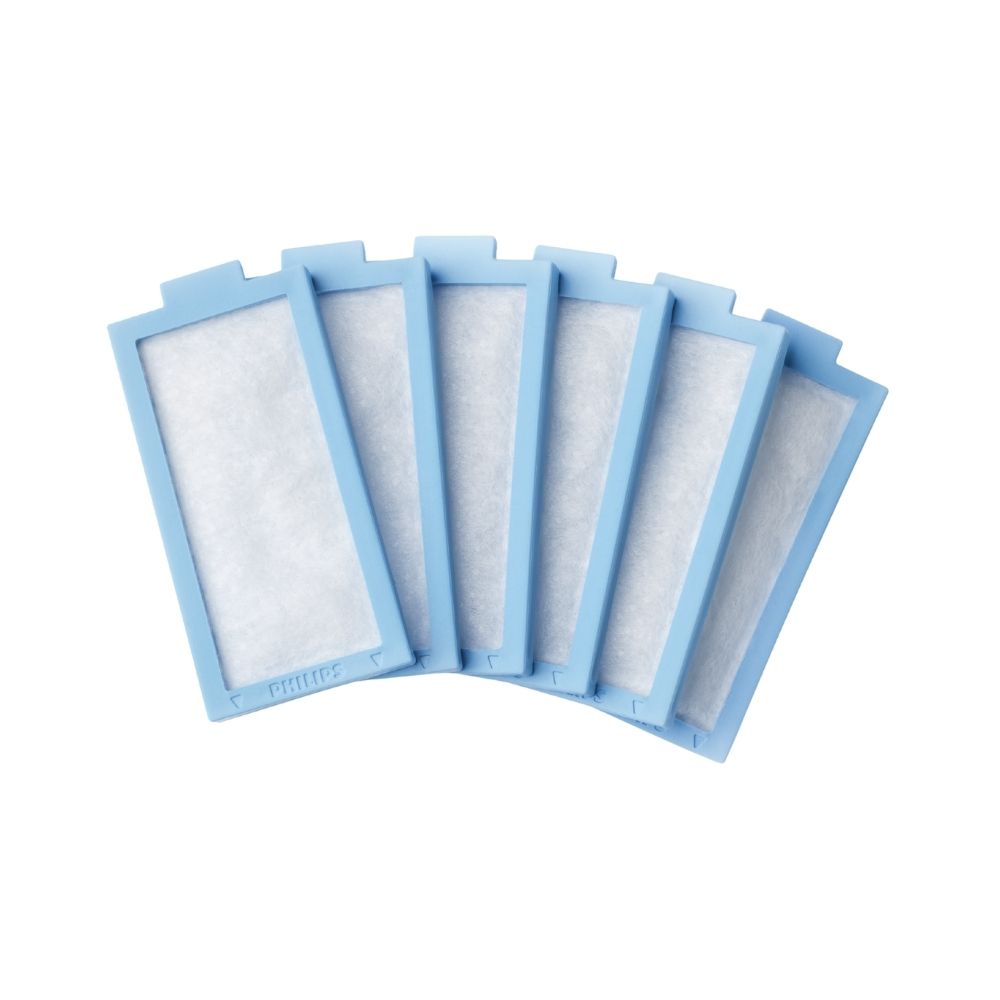
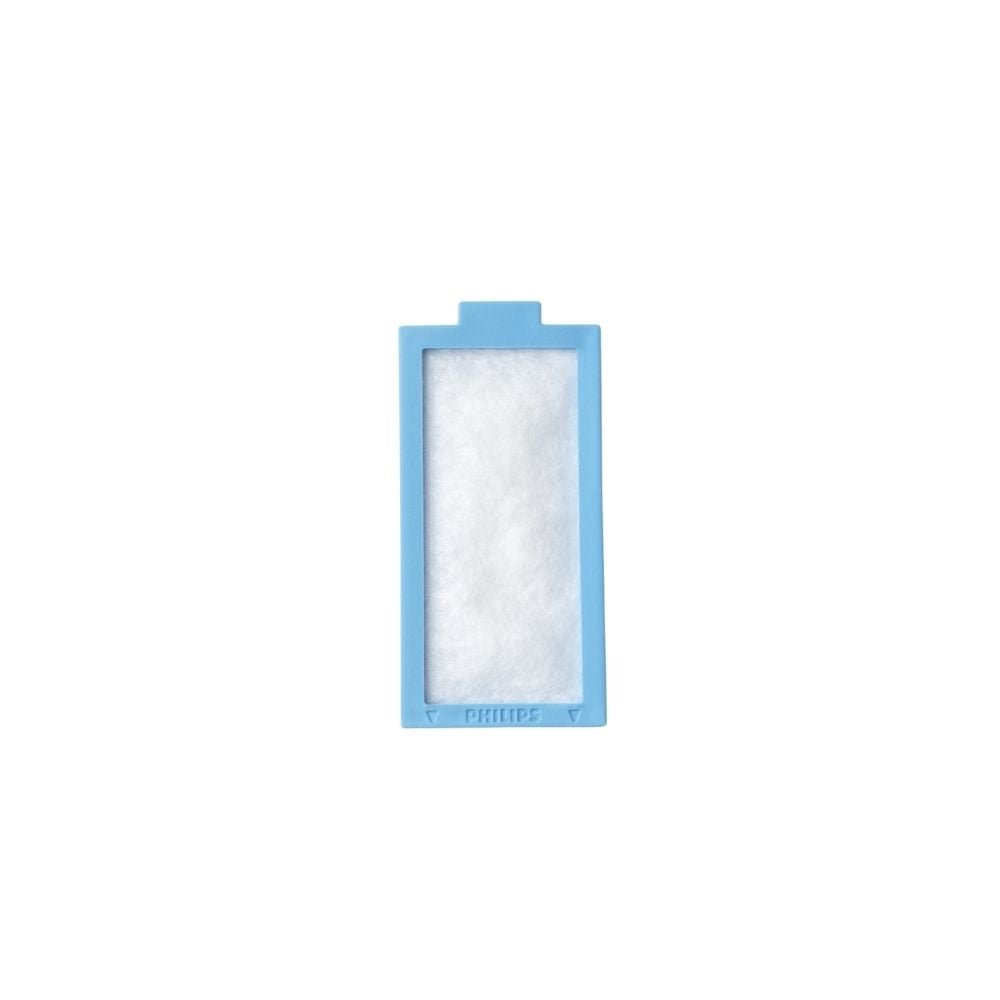
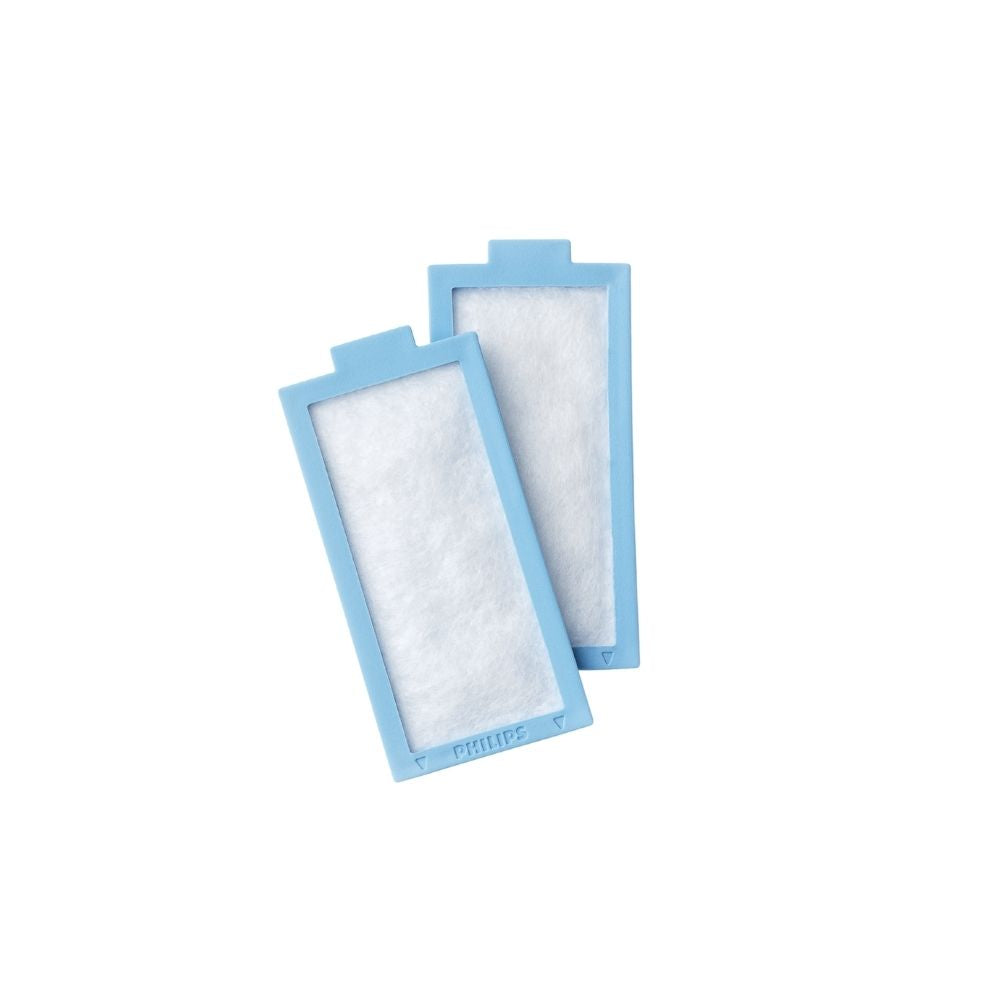
Disposable ultra-fine filters for DreamStation 2 series. Filters remove fine particles, dust and tobacco smoke particles from your CPAP airflow. Filter should be replaced every six months or sooner if there are any holes, damages, discolouration, gets wet or blockages caused by dust or dirt. Filter is not washable or reusable. • Made of finely blended synthetic fibers and is housed in a baby blue frame
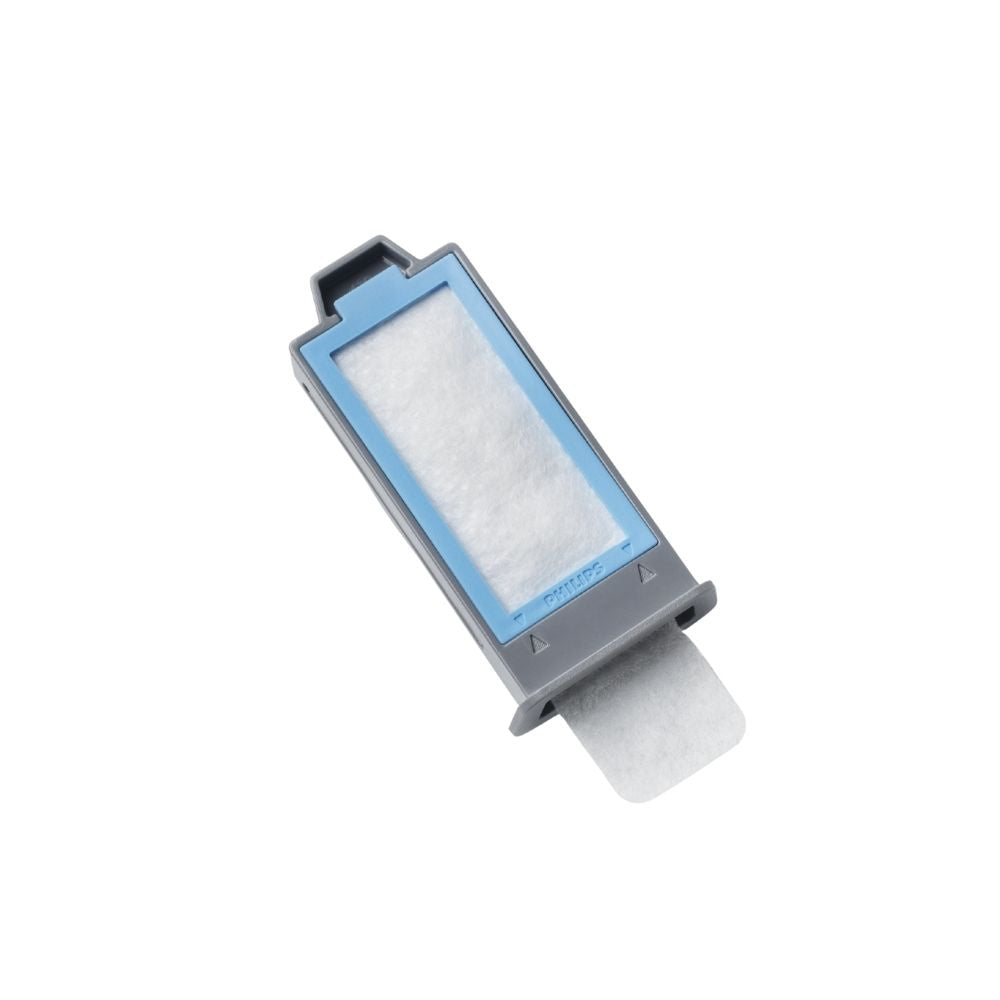
• Two-step air filtration system - can be used in conjunction with the Reusable Pollen Filter. To attach the disposable filter to the reusable filter, place it underneath the reusable filter with the slotted side facing up, and the longer edge facing the side of the reusable filter that faces the outside of the machine
Similar to
What's Included
Product Features
Care and Replacement Schedule
Every 2 Weeks
For your health and safety, some products are final sale. For more details, see our Return Policy.
DreamStation 2 Disposable Ultra-Fine Filters
If you have any questions, you are always welcome to contact us. We'll get back to you as soon as possible, within 24 hours on weekdays.
-
Shipping Information
Use this text to answer questions in as much detail as possible for your customers.
-
Customer Support
Use this text to answer questions in as much detail as possible for your customers.
-
FAQ’s
Use this text to answer questions in as much detail as possible for your customers.
-
Contact Us
Use this text to answer questions in as much detail as possible for your customers.
Philips DreamStation 2 Auto CPAP
The next evolution in clinically proven, integrated sleep solutions. The DreamStation 2 is designed to provide operational efficiencies and a simplified user experience.
Philips: Creating a Healthier Future
Philips Respironics is a global leader in the sleep and respiratory industries. They believe that effective sleep and respiratory management empowers patients to rediscover confidence and the freedom to live a fulfilling life by restoring their ability to sleep and breathe naturally.
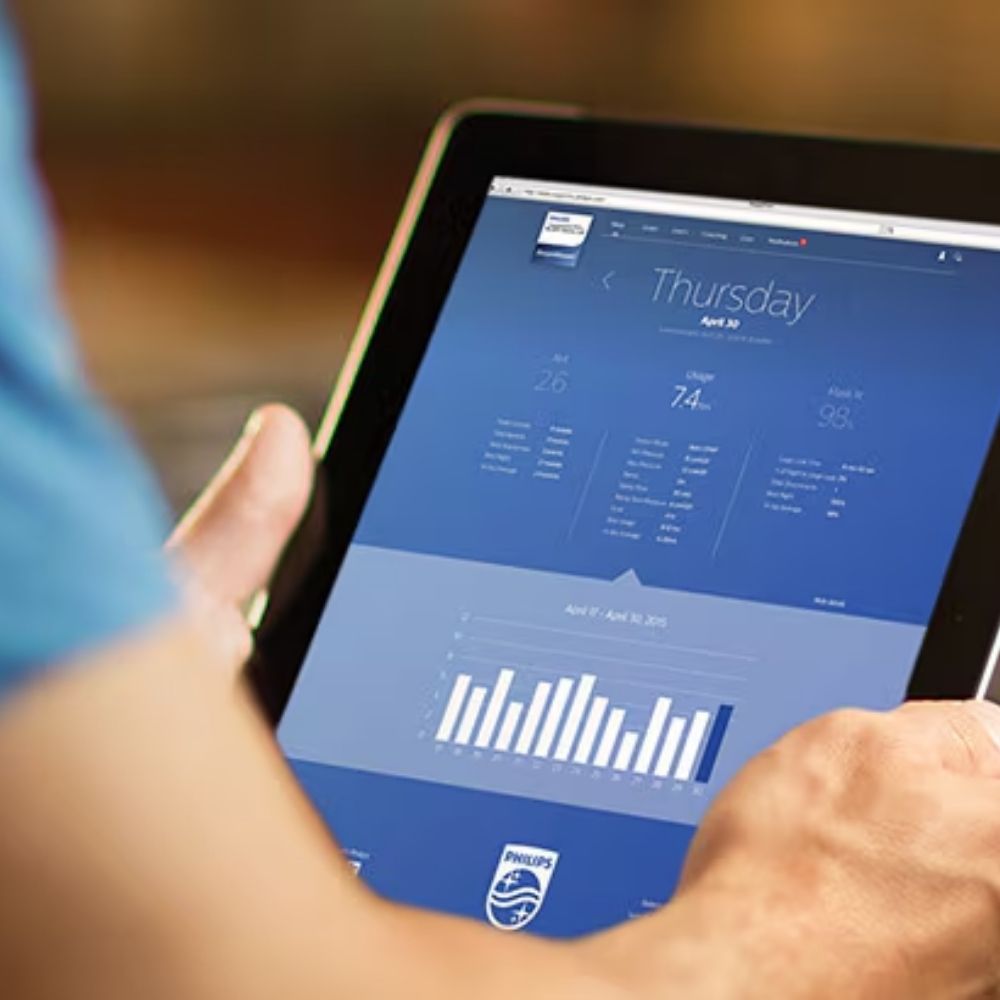
Philips Respironics' DreamMapper app and desktop tools help you stay motivated on sleep apnea therapy. It has education at your fingertips and keeps you connected to your health care provider by sending data directly to your care team. Available for download on Google Play and the App Store.
Additional Product Details
We've Got Your Sleep Health Covered
When you purchase from us, you get exclusive access to our team of treatment experts and comprehensive suite of sleep health solutions across the entire Resolve Sleep Health network.



FAQs
Visit our Help Centre to find more questions and answers.
Do I need a prescription to buy a CPAP machine?
Yes, a prescription is required so your sleep apnea therapy settings can be tailored to your specific needs.
The prescription should include instructions written by a medical practitioner on a medical letterhead and includes:
- Patient details (e.g. name, medical conditions, etc.)
- Medical professional (physician) contact information and signature
- Date, state of CPAP therapy, and pressure setting or specific instructions pertaining to treatment
How do I obtain a prescription for CPAP?
Book an appointment at one of our clinics or virtual clinic for a Sleep Apnea diagnosis. Upon diagnosis, your health care practitioner can prescribe Sleep Apnea treatment (if applicable) and provide a prescription.
What are the default settings on an automatic positive airway pressure (APAP) machine?
The typical default setting for auto mode is 4-20 cmH2O.
How do I clean my CPAP machine?
You should clean your machine weekly. Full cleaning instructions are found in the machine’s user guide.
Cleaning tips:
- Always unplug the machine first
- Gently wipe the outside of the machine with a damp cloth
- Gently dry with a clean towel
- If your machine comes with a humidifier, it should be removed from the device and cleaned using hot, soapy water and air dried
Who can I contact for help with my CPAP machine issues?
Reach out to one of our experts at Resolve Sleep Health. You can use our contact form, book an in-person or virtual appointment, or connect with us via phone, email or chat.